Take in a repair
When you finish: The item is booked in with a repair number you can write on your docket.
About 2 minutesLast checked against the app:
- Step 1: On the RepairDesk home page, press New repair.
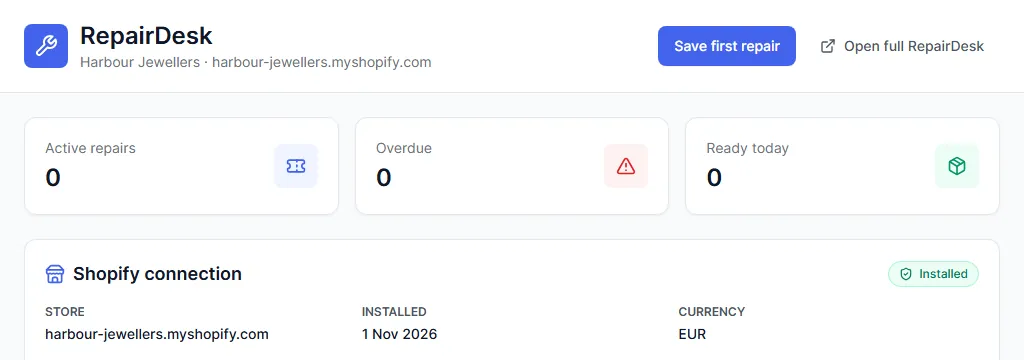
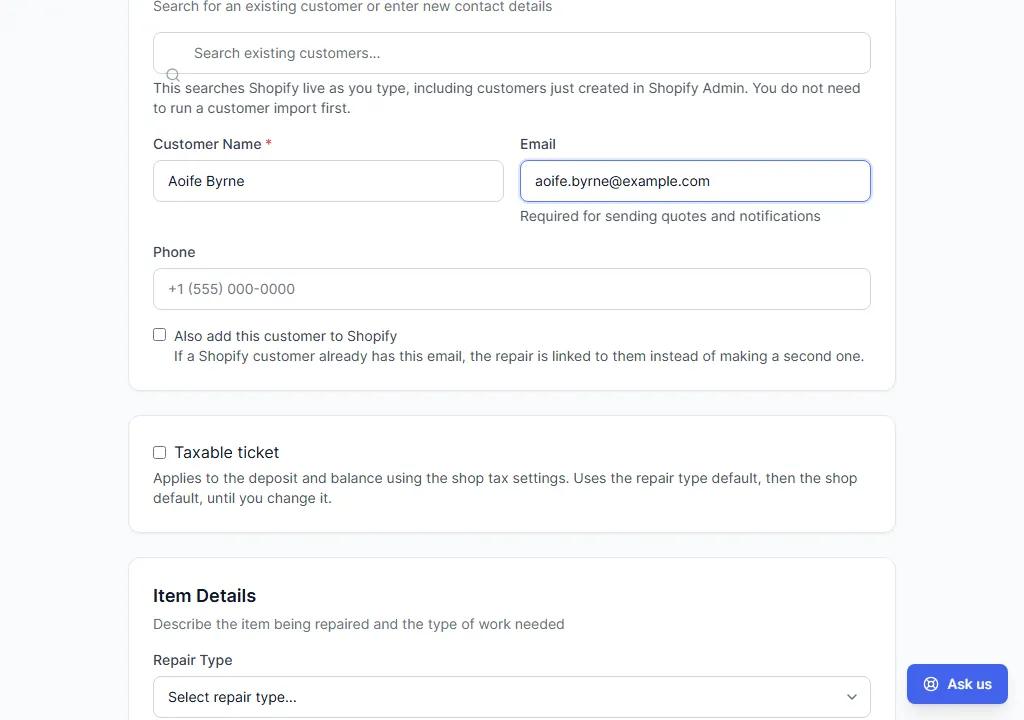
- Step 2: Fill in Customer Name and Email. The email is how your customer hears when the repair is ready.
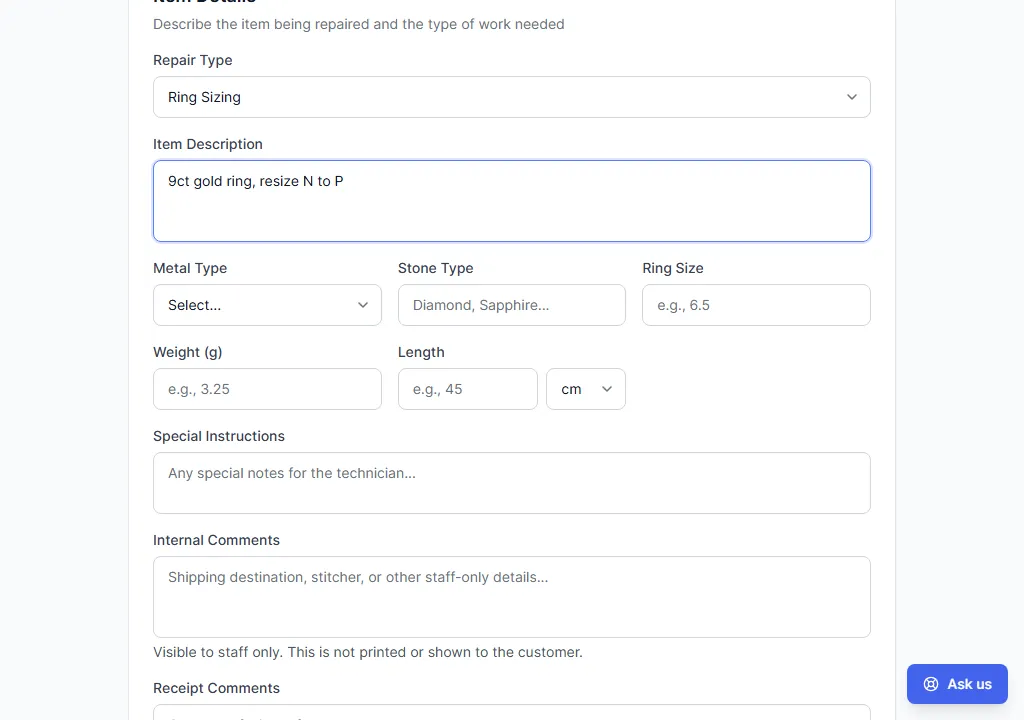
- Step 3: Pick a Repair Type, for example Ring Sizing, and type the Item Description, for example 9ct gold ring, resize N to P. Everything else is optional.
- Step 4: Press Create Ticket. On your very first repair the button says Save first repair.
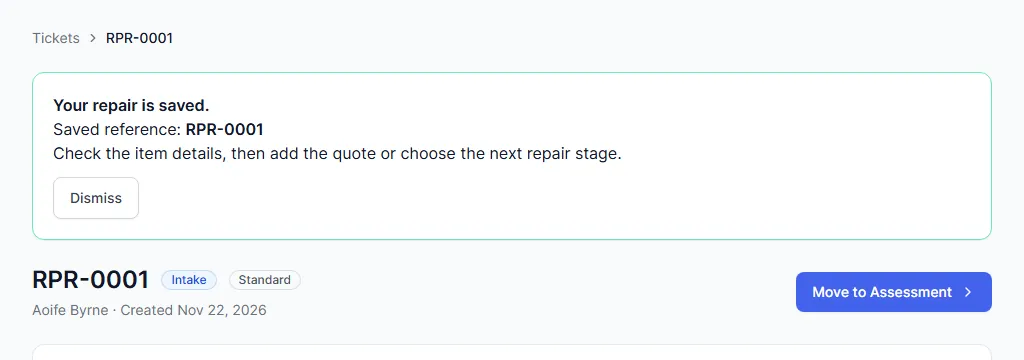
- Step 5: Write the repair number, for example RPR-0001, on your paper docket.
Sold the repair in your Shopify online store? On New repair, type or scan the order number under Start from a Shopify order, press Find order, check it, then press Use this order. RepairDesk fills in the customer and the items, prices the repair from the order and records what they paid when you press Create Ticket. An order already on a repair opens that repair instead.
Not a jeweller? The steps are the same. Your Repair Type list matches the trade you chose.
Stuck?
Press Ask us at the bottom right of any RepairDesk page and tell us which step. We write back with the exact next step.
Or email support@repairdeskapp.net